Gantt, List, and Calendar
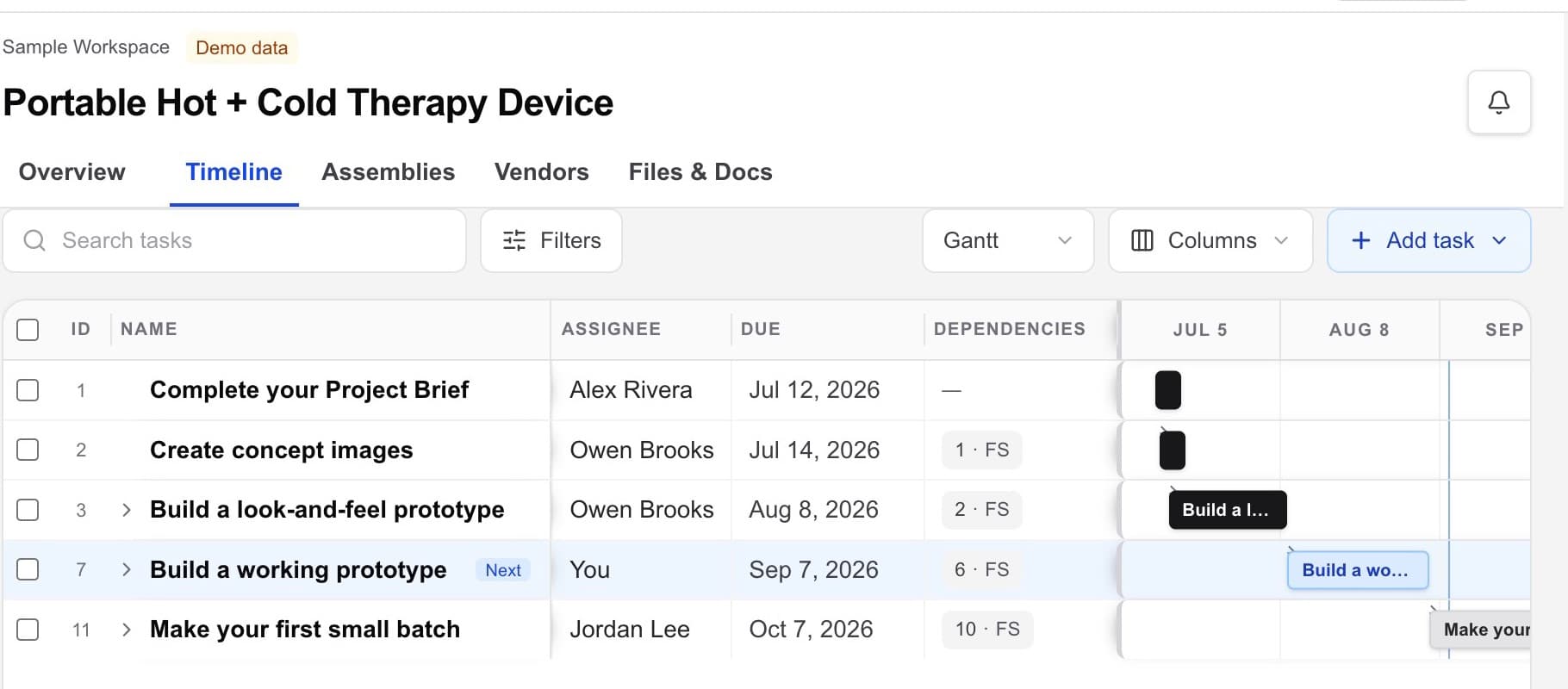
Open the editable plan in Gantt view, then switch to List or Calendar when that view makes the next decision clearer.

Timelines and ownership
Workbench lets one project owner tie timeline planning to concrete deliverables and record the people responsible for internal work, review, and outside handoffs.
Hardware project management · design files · vendors · handoffs
The working problem
A schedule is not useful when milestones are vague, ownership is implied, and supplier dependencies only surface after a target date slips.
The timeline should show who owes what next and connect that commitment to the project record behind it.
Inside the workspace
Open the editable plan in Gantt view, then switch to List or Calendar when that view makes the next decision clearer.
Open one task to edit its title, description, status, owner, parent task, start date, due date, duration, and supporting context.
Move from the timing question to the files, assembly, vendor, or project note that explains the dependency.
A practical flow
Describe the output clearly enough that its owner and reviewer know what completion means.
Add the responsible person, target date, current status, and dependencies that matter.
Link the files, assembly, vendor, approval, or project note that supports the work.
Keep the timeline honest as new information changes the owner, date, or path forward.
What becomes clearer
A strong fit when
Keep exploring
Bring the hardware project together
Use Workbench to find, compare, select, and coordinate vendors. You choose whom to engage and keep control of every vendor relationship.