Home
One workspace-level view across projects so the next project or action is easy to find.

Product tour
Start with an editable hardware journey, a blank project, or an imported plan. Then connect tasks, files, assemblies, vendors, quotes, feedback, revisions, and handoffs as the product changes.
Hardware project management · design files · vendors · handoffs
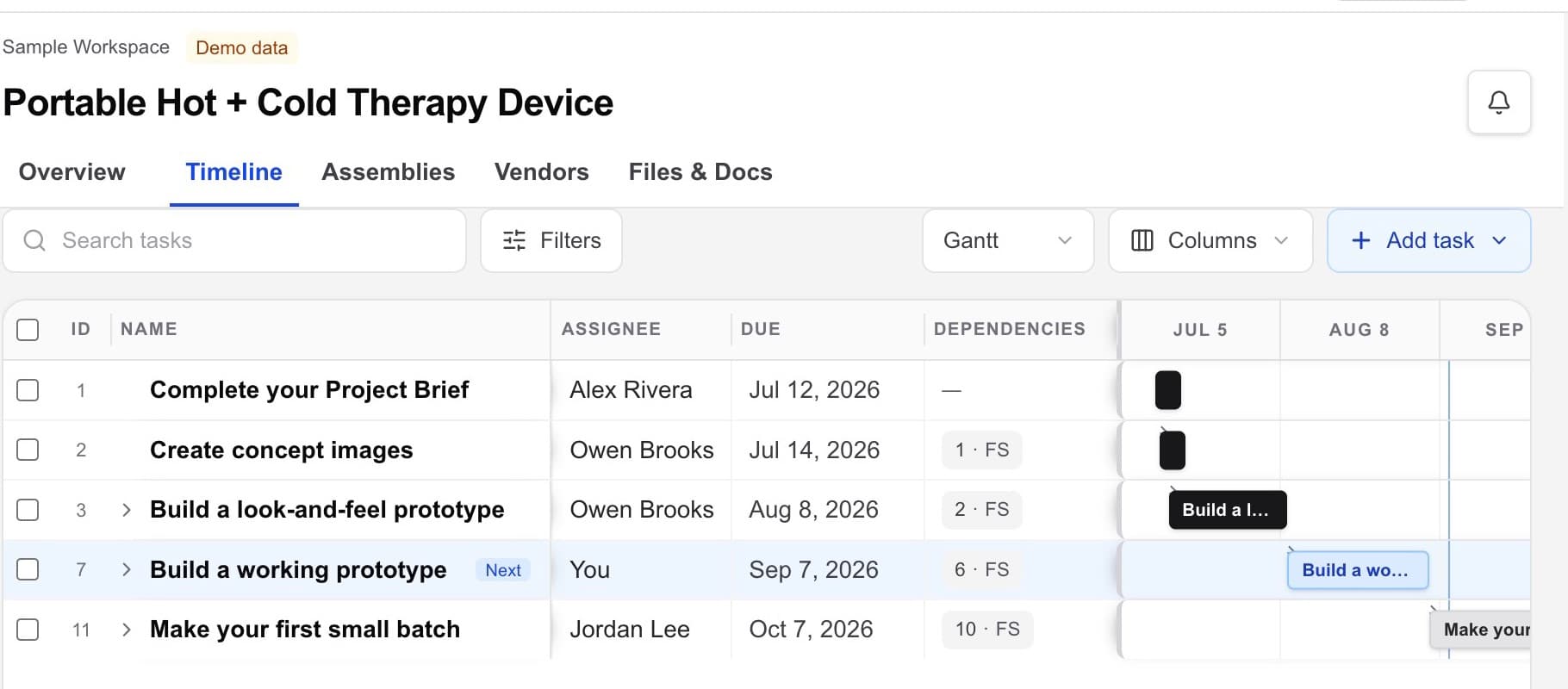
The working flow
Use the default journey as guidance, edit every step, or replace it with the project plan your team already follows.
Use the editable default journey, begin blank, or import an existing plan. Nothing in the starting plan is locked.
Define the product, user, constraints, assumptions, and the next decision in one living project document.
Add concept images, build a look-and-feel prototype, then plan the working prototype that tests the biggest risk.
Connect the files, assemblies, owners, dates, vendors, quotes, and handoffs needed for the first controlled build.
Track design, build, delivery, feedback, and revisions as the project changes.
The project record
Workbench connects hardware project management and vendor handoffs. Specialist CAD, PDM, PLM, ERP, engineering, compliance, legal, and quality systems still belong where the work requires them.
One workspace-level view across projects so the next project or action is easy to find.
The outputs the project owes, with owners, target dates, status, approvals, and supporting context.
CAD, drawings, supplier files, quotes, and general project documents with current-version context.
The product structure and working parts information connected to project delivery.
Vendor choices you find in Workbench or add yourself, with contacts, capabilities, selection context, NDAs, quotes, and files.
The project status, owners, recorded updates, and next actions that keep internal and outside work moving.
Your vendor network
Compare vendor choices or add partners you already know, then decide whom to outsource to. HardwareHub Consulting is one optional vendor you may consider—not an automatic provider or required part of Workbench.
You remain responsible for vendor due diligence, selection, contracts, technical review, quality requirements, and acceptance of the work. Workbench organizes the record; it does not make or guarantee those decisions.
Explore vendor discoveryBring the hardware project together
Use Workbench to find, compare, select, and coordinate vendors. You choose whom to engage and keep control of every vendor relationship.